
Hello! How do I get a list of freq amp pairs for each frame of a sound in partiels, kinda like with sdif files? I tried using the osc send and converting the bins to their respective frequency but seem to get frequencies in adjacent bins which causes problems for analysis and resynthesis after
Hello,
Which analysis do you use?
I’ve been using spear for many years and export it as sdif. Then is very easy to use this on max. Now for my masters thesis i’d like to have a second or a third way of achieving the same thing for comparison. I used spectrogram.
It seems to me that Spear is based on partial analysis rather than spectrogram analysis. You can use the PM2 plugin distributed alongside the Partiels software for partial analysis. You will find templates for performing these analyses in the plugin documentation. You can use the Max format for exporting the results, which will be compatible with the coll object.
Where can I find this plugin? can’t seem to find it online
You can download the Ircam Vamp plugins and their manual on the release page of the project:
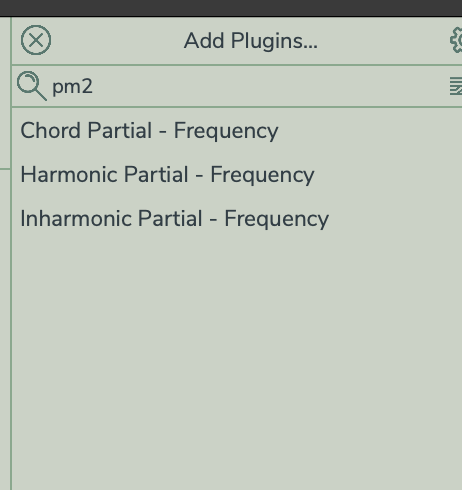
I already had them installed but when i search i only get this… am I doing something wrong?
You can use the harmonic partial tracking analysis to get the frequency, amplitude, and phase of a partial. I suggest you use the Harmonic Partial tracking template distributed with the manual, which automatically analyses 20 partials.
Ok I see those are the pm2 plug-ins. So if I use the harmonic partial tracking this would give me the harmonic partials in a sound… and vice versa with the inharmonic? If I would want all partials in the file, should i combine both analysis ?
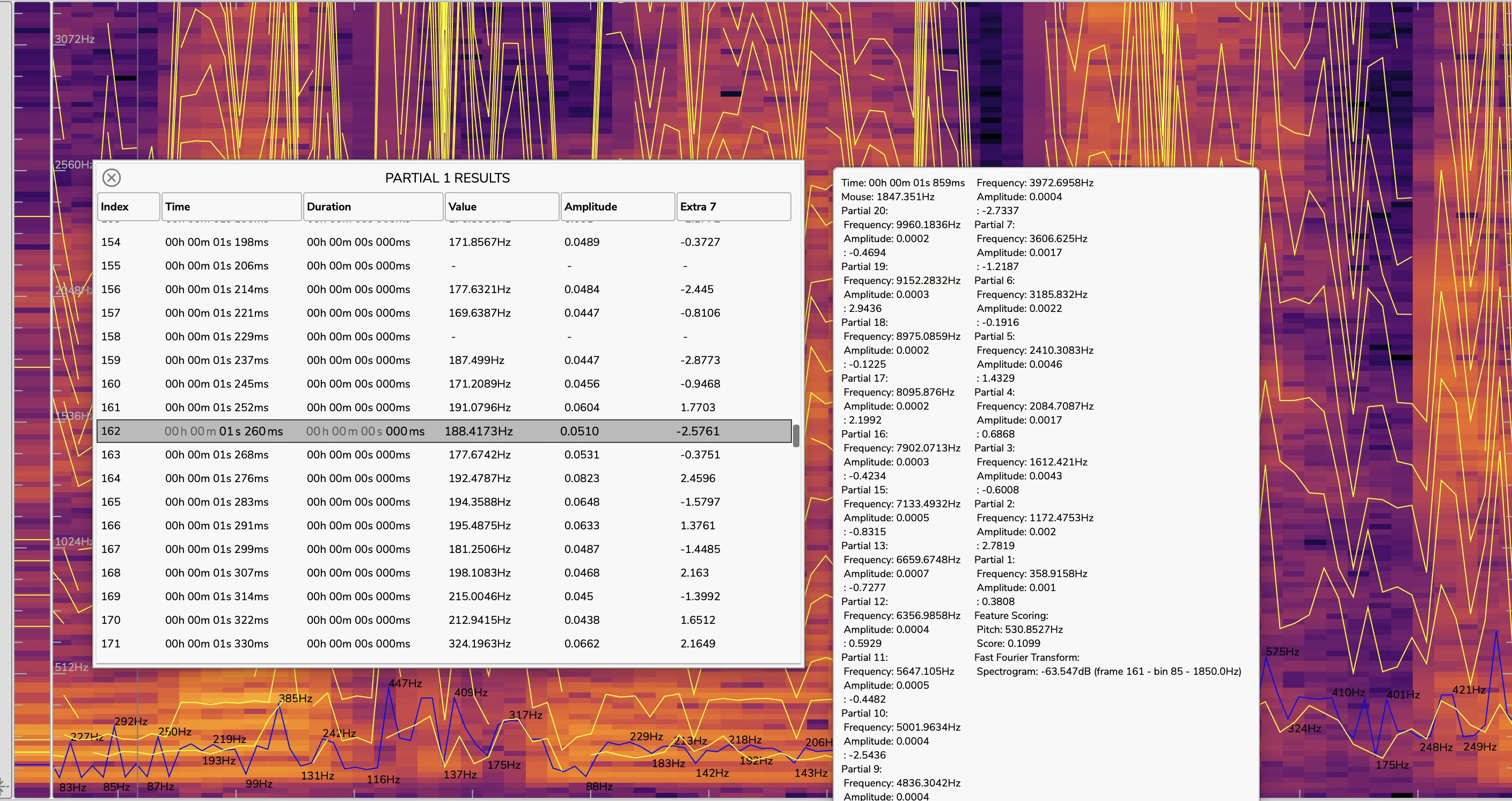
Also the results seem to be a bit confusing to me… maybe this is quite obvious, but they don’t seem to represent a list with pairs of frequency, amplitude for each frame over time. I was trying to read the manual but can’t seem to decipher how those values represent the sound over time
With partial tracking, the frames are not equally spaced. Each track contains the result of one partial with the time, duration, frequency, amplitude and phase.
Dear all —
I’m still unable to locate and use any of these templates and can’t find them anywhere. According to the manual, they should have installed with the plugin itself, correct? I don’t see these at all with the distribution nor options to include them within the installers.
When I launch Partiels I see the following opening screen, which differs from the demonstration tutorial video:
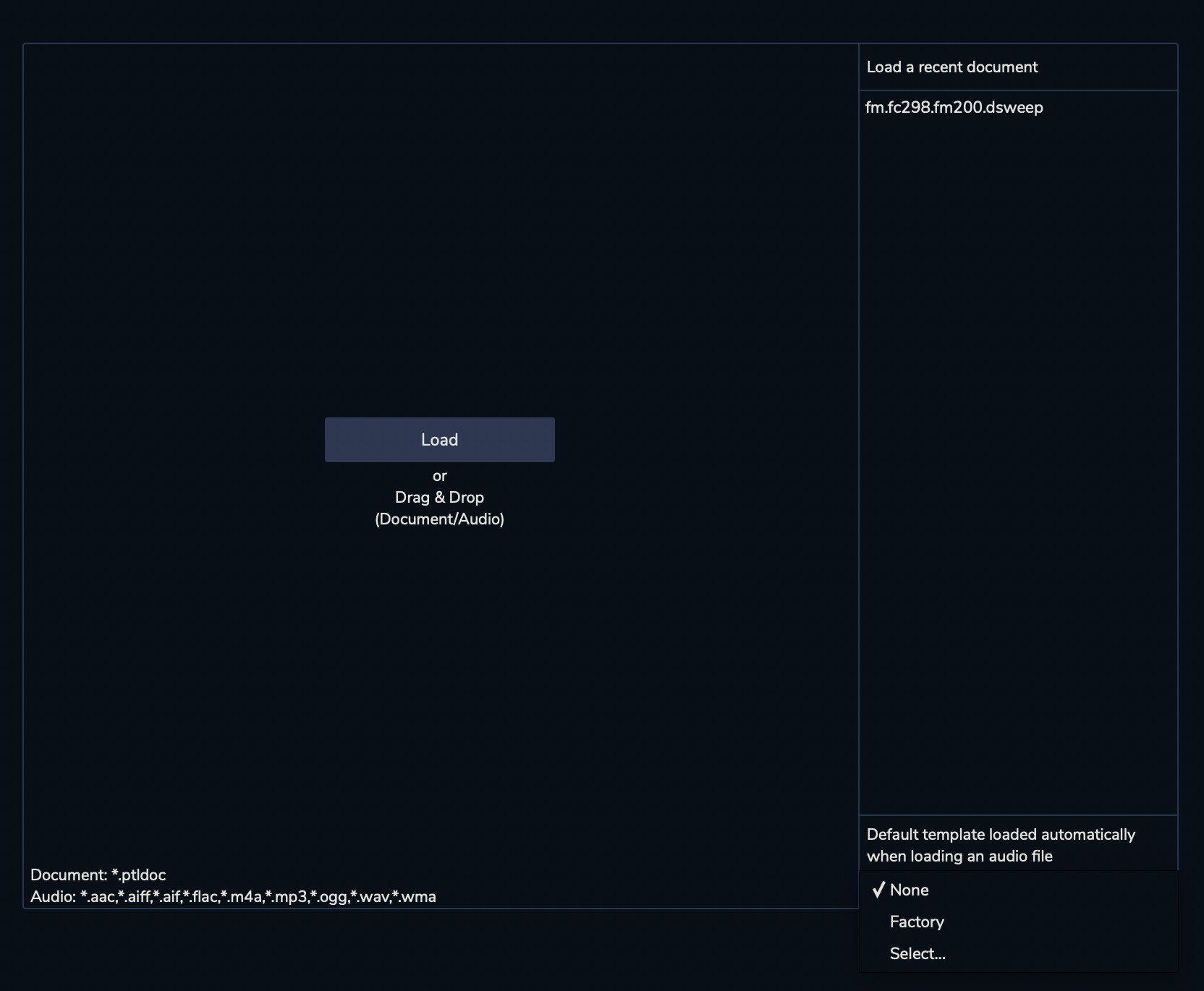
In the tutorial video, this screen should contain the list of templates in the right sidebar, but I only see: None, Factory, and Select… The Select… option takes me a generic Finder window, but nowhere on disk have I found these templates, including in /Library/Audio/Plug-Ins/Vamp and similar directories.
Is there another location I might be overlooking, or have I missed something critical? Thanks in advance. I’m especially looking for the partial tracking template with 20 harmonics.
My current system:
- Partiels v2.3.0 (74aeea7)
- Vamp plugins v1.1.0 (I’ve tried both the 64bit universal and package installers)
- Pm2.cat and Pm2.dylib are both contained in my Vamp plugin subdir (seems properly installed from my perspective)
- MacBook Pro M1 chip running Monterey 12.3 (but soon stepping up an M4 machine running macOS Tahoe, so I hope compatibility will be preserved)
Thanks very much for your consideration, and hope to get this resolved soon.
Best —
Louis
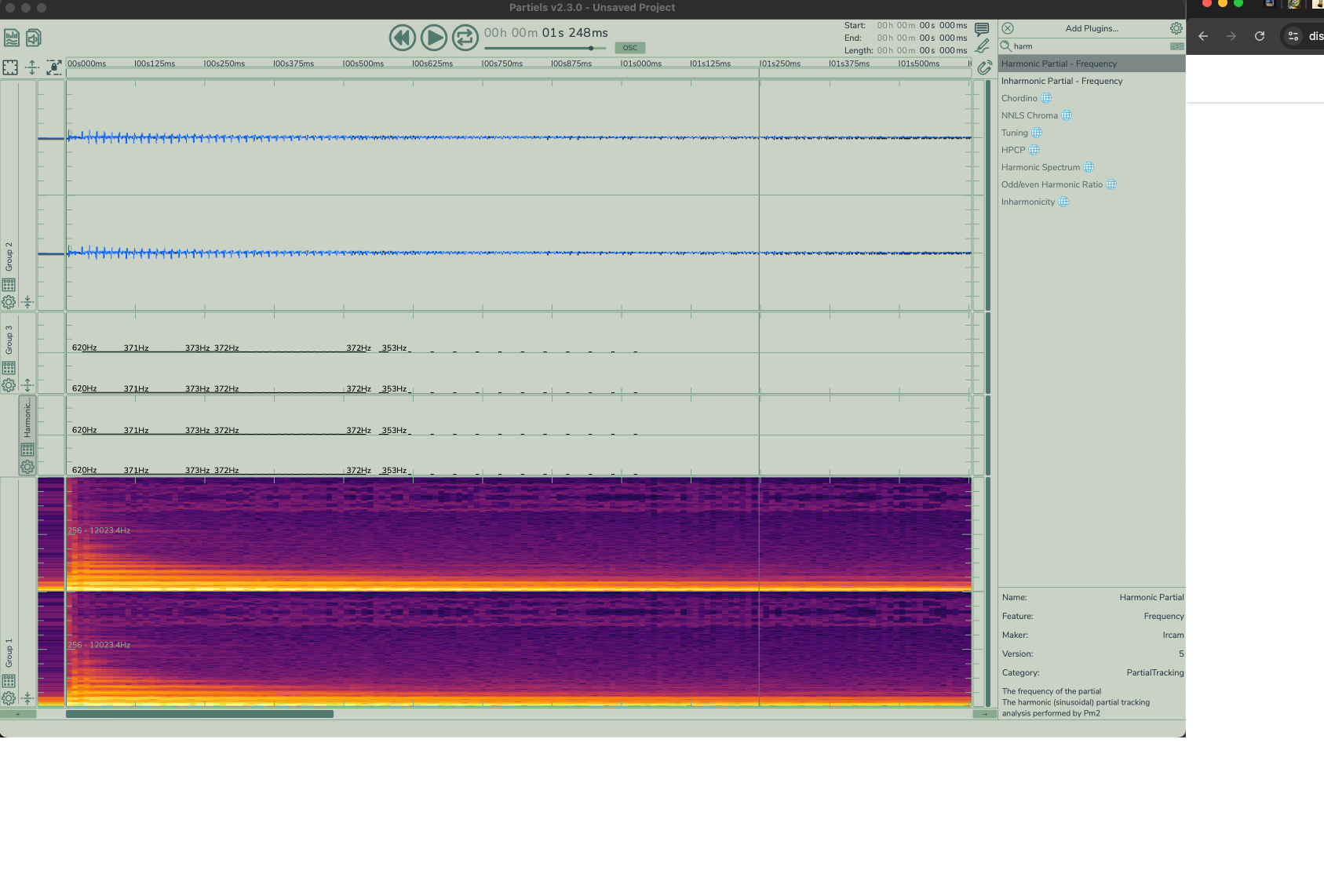
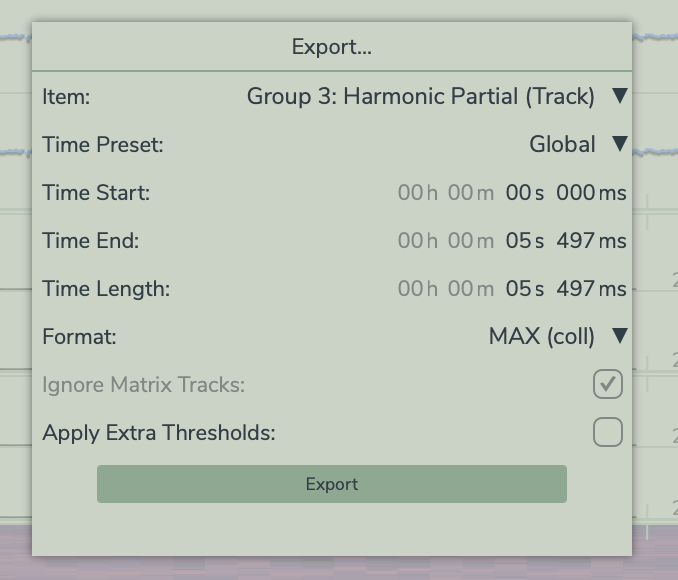
How do you access that window? with the one on the right? My max coll exported file looks like the window on the left but it basically just gives me one partial per frame and its amplitude (plus the extra value). I’m also struggling like Louis said to achieve the results in the vimeo tutorial. Sorry maybe this is super easy and i’m complicating, but I really can’t seem to understand how to access a list of partials (harmonics and inharmonics) plus their respective amplitudes for each frame
1 Like
Hello Louis,
You can find the PM2 templates with the IRCAM Vamp Plugins manual. Here is the latest version: https://github.com/Ircam-Partiels/ircam-vamp-plugins/releases/download/2.1.0/Ircam-Vamp-Plugins-Manuals.zip.
1 Like
-
Create a new document.
-
Ensure that the default template is set to “None”, or select “PM2-Partials-Tracking-Harmonic-20.ptldoc” (in this case, it will be automatically applied to all new projects).
-
Load your audio file.
-
If the default template was set to “None”, manually load “PM2-Partials-Tracking-Harmonic-20.ptldoc” as a template.
-
You should now see:
- 20 partial tracks displayed above the spectrogram
- One feature scoring track used as the pitch reference
-
Open the “Export…” window.
-
Select “Document”, then choose “Export for Max”.
-
In the selected folder, you will find 20 text files named:
-
Group 1_Partial 1.txt,Group 1_Partial 2.txt, etc.
These files can be loaded into Max using the [coll] object.
-
Note:
The template PM2-Partials-Tracking-Harmonic-20.ptldoc is provided with the IRCAM Vamp Plugins manual and can be downloaded here:
https://github.com/Ircam-Partiels/ircam-vamp-plugins/releases/download/2.1.0/Ircam-Vamp-Plugins-Manuals.zip
PS: I’ll add a tutorial about that soon Home · Ircam-Partiels/Partiels Wiki · GitHub.
1 Like