
COLLECT & SAVE in ABLETON LIVE
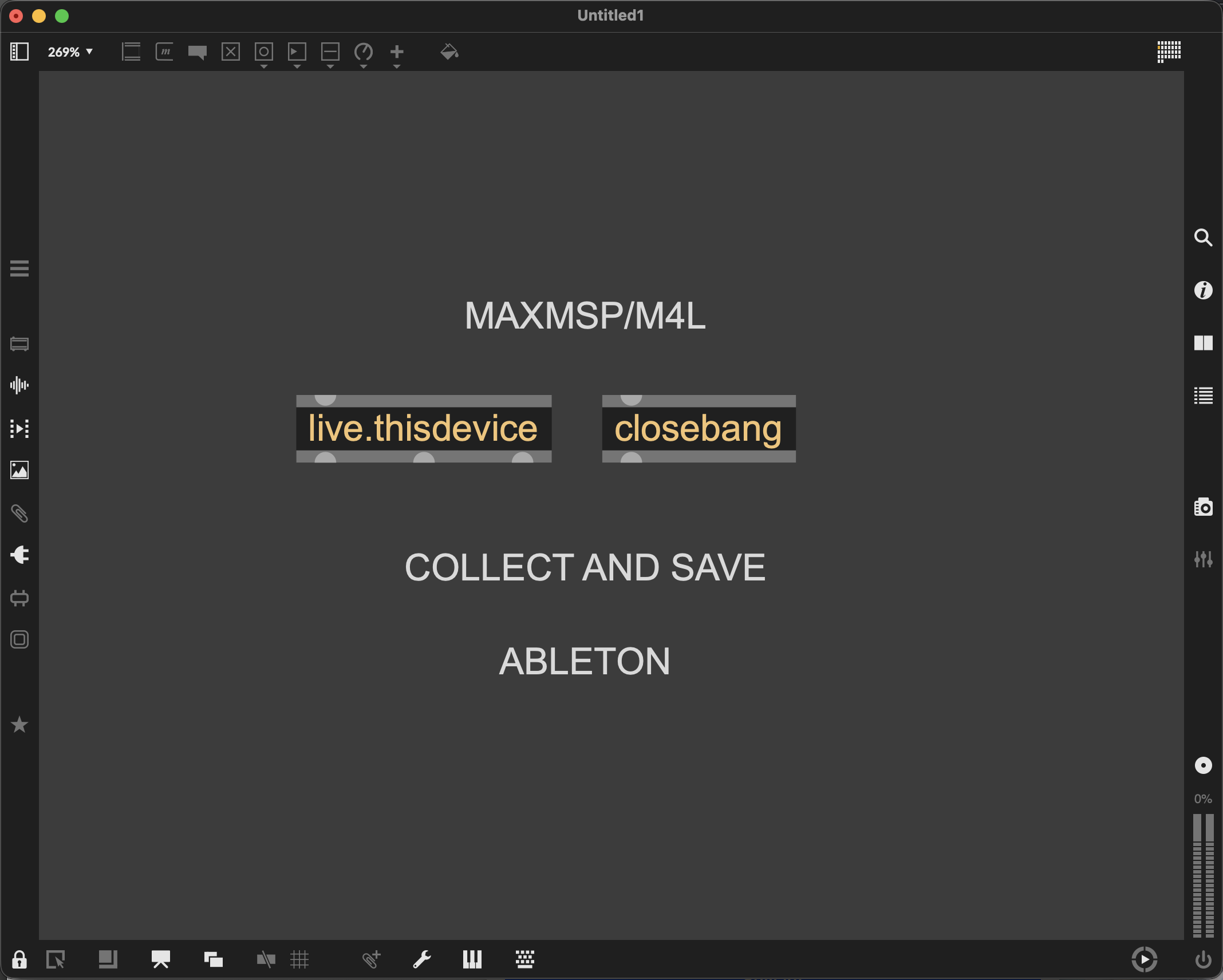
We want to highlight an important limitation when using Xp for Live with Ableton: Xp does not support “Collect & Save” .
Here is why:
When you use Collect & Save in Ableton Live, the software gathers all project dependencies into a single location, including plugins and Max for Live devices. This is generally a safe operation for most tools.
However, due to behavior internal to Max/MSP, this process triggers an unexpected sequence:
-
a closebang is fired,
-
followed by a new initialization bang via live.thisdevice.
For most plugins, this has little to no consequence. But Xp is not a typical plugin. Xp devices rely on a structured initialization process when they are loaded. This process sets up a number of underlying mechanisms that ensure the system behaves coherently and transparently during use.
When an additional, unintended initialization cycle is triggered, as happens during Collect & Save, this breaks the internal initialization chain. As a result, projects saved using this function may no longer work correctly when reopened. This issue is not caused by Xp itself, but by how Max/MSP currently handles device lifecycle events in this specific context.
We have reported the behavior, including the fact that: Performing Collect & Save triggers a closebang, followed by a new initialization via live.thisdevice, which disrupts LiveAPI based processes.
Recommendation:
Until this behavior changes, we strongly advise avoiding Collect & Save when working with Xp-based projects.
Thanks for your understanding.
Xp